
A field story · AWS · Starter
A team, a platform,
and one afternoon
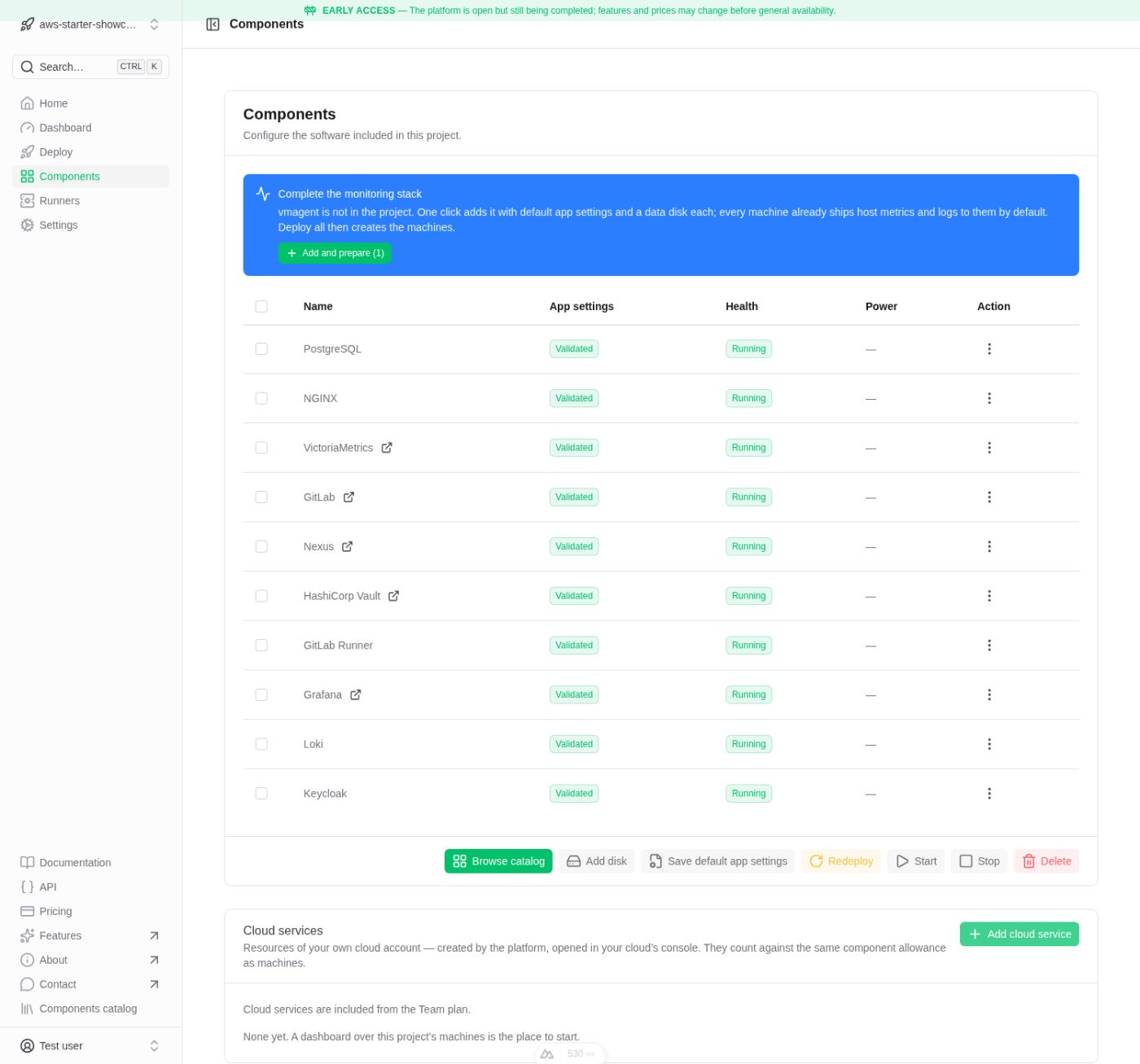
The same ten components a Starter subscription buys, deployed into an AWS account and used the way a product team would use them — then taken down again. This is how the day went.
The app
We have a web project to build
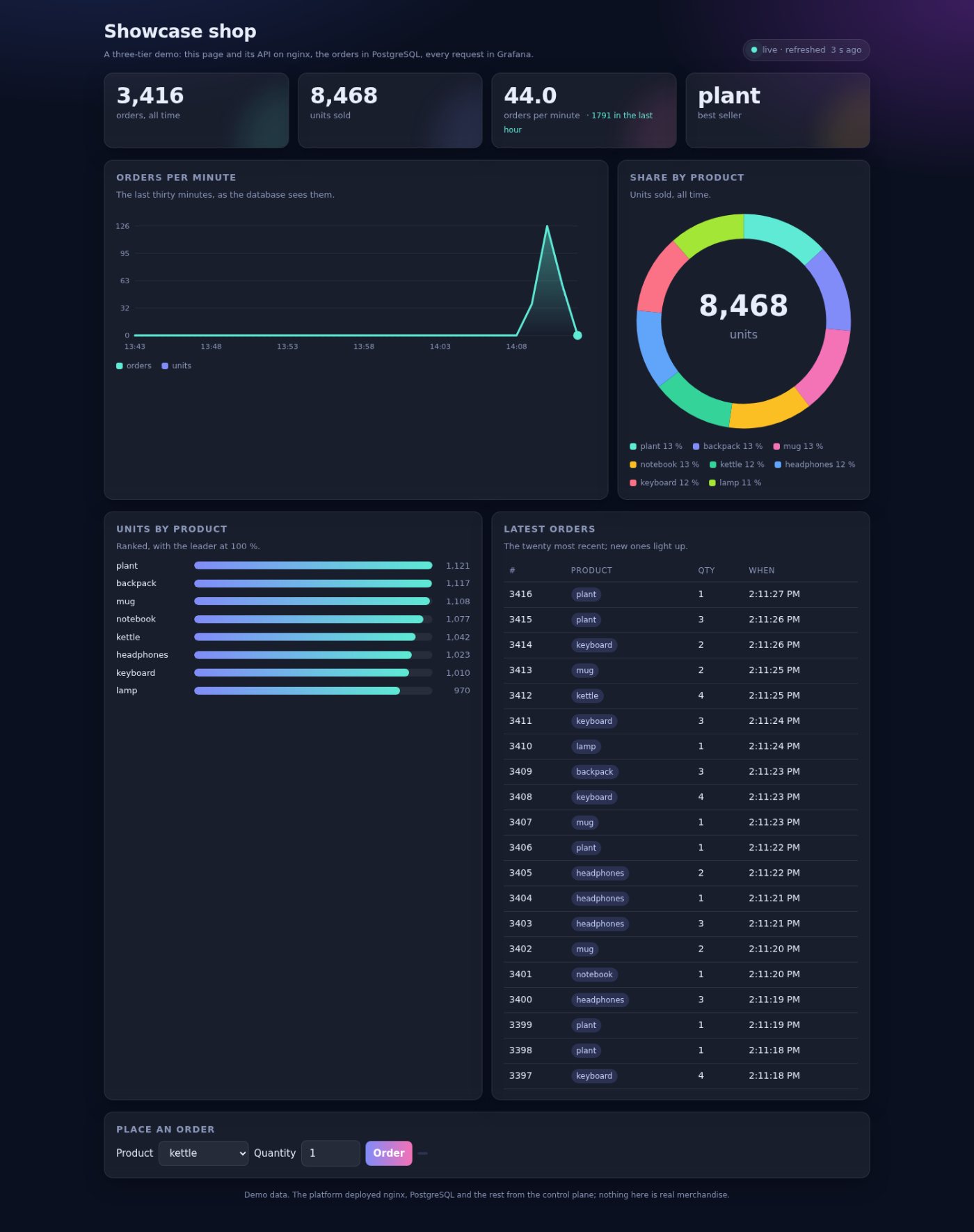
We are a small product team, and we have a web application to ship. It runs on nginx and keeps its data in PostgreSQL — the ordinary shape of a web project.
The platform gave us that project already standing: the web tier answering, the database behind it, and a page in front we can watch fill as people use it. Nothing to install on anyone’s laptop first.
What we are building
The application is a small online shop: a catalogue, orders, a running total. It stands in for whatever a team is really building.
What matters is that the platform hands us the pieces to run it — the web server, the database, the page — and the means to watch it, rather than a description of them. From here, the team can start writing code against something that already works.
The tools
Somewhere to put the code, something to build it
Before we write much, we need a place for the code and a machine to build it. The platform deploys GitLab and a runner for us, and the runner registers itself against the GitLab beside it.
From the first commit the pipeline runs on its own: it fetches a dependency from our Nexus, compiles, and publishes the result back. We did not wire any of it by hand.
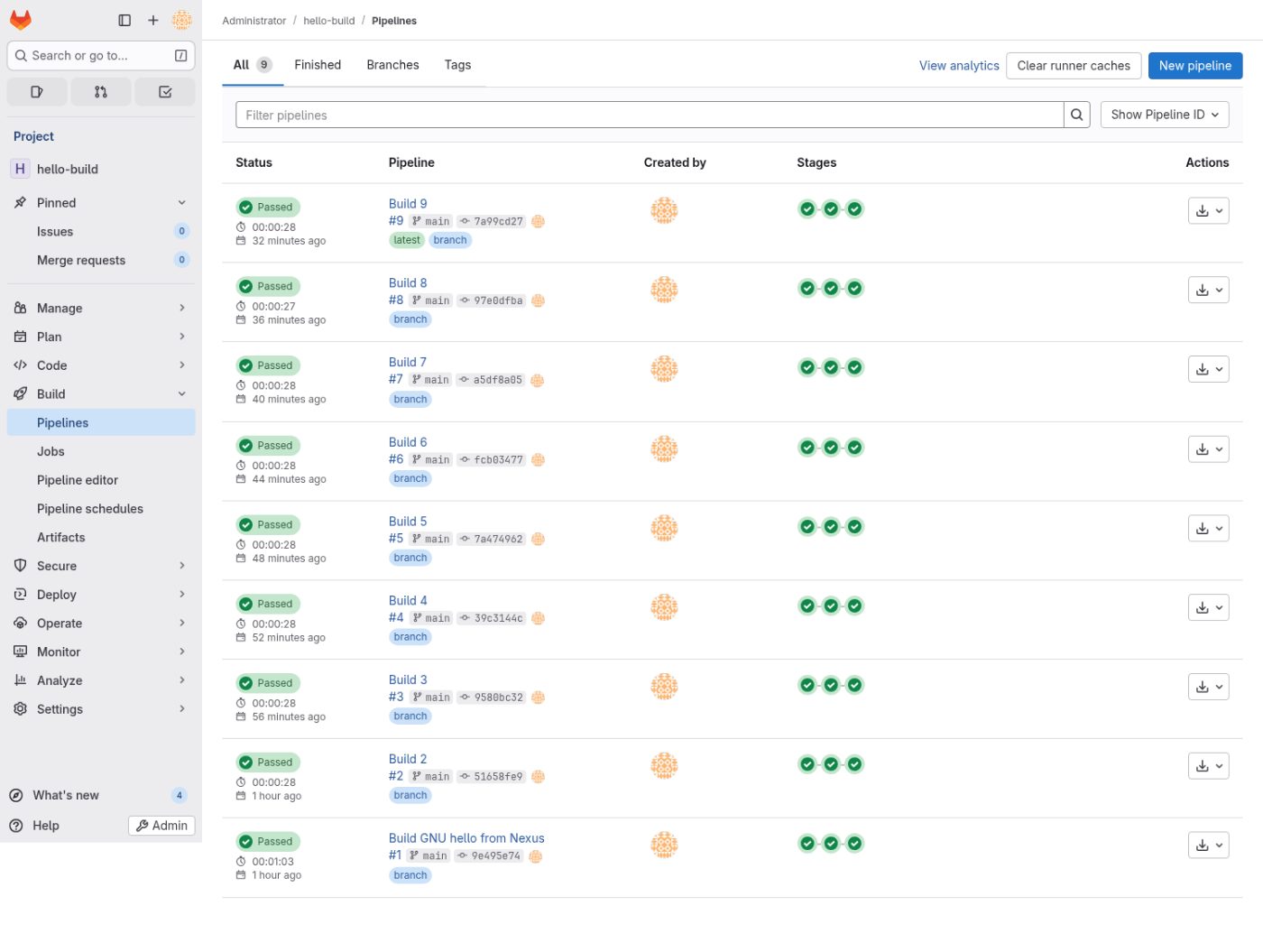
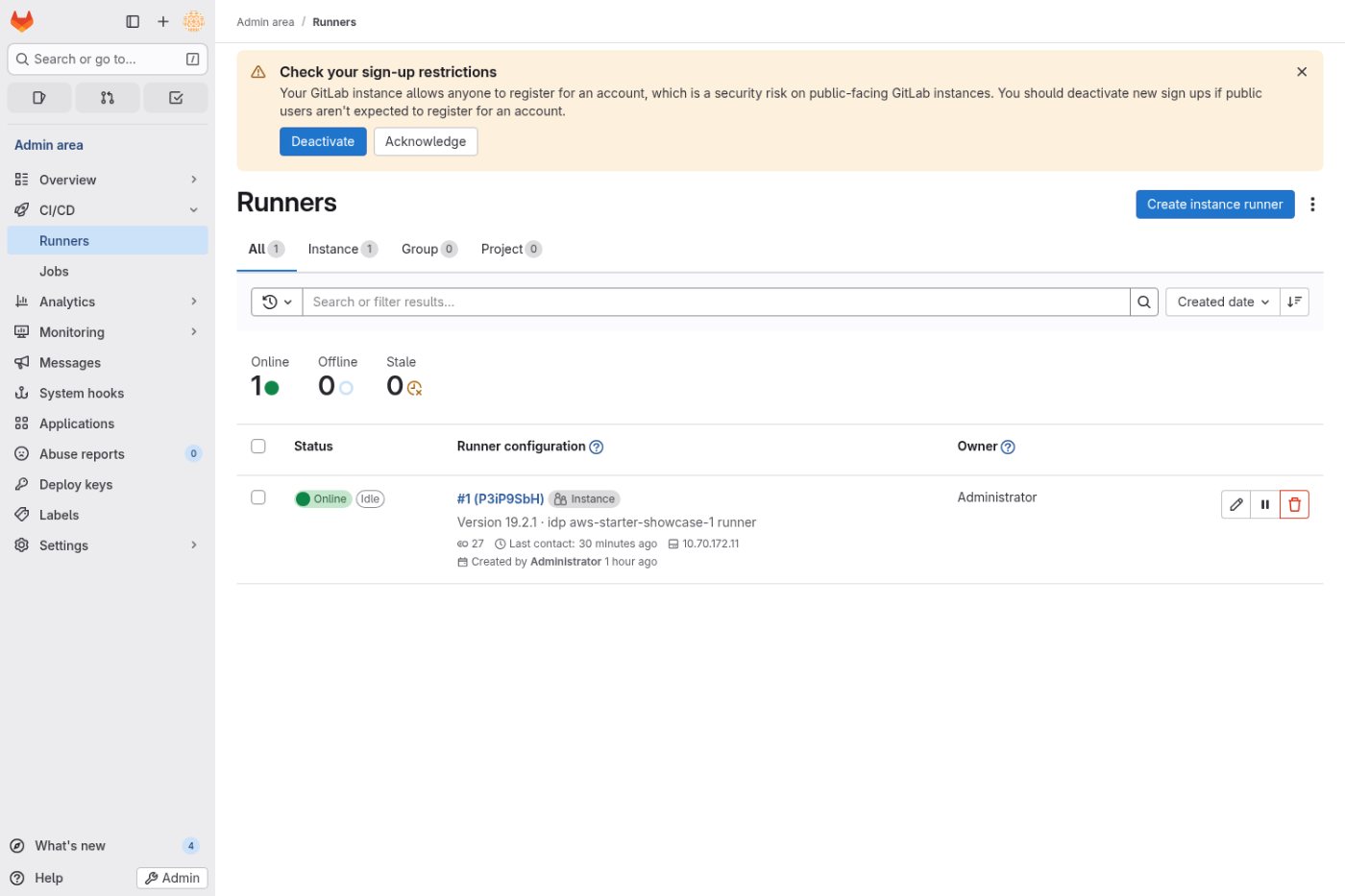
The runner is ours, not a shared pool. It registers against our own GitLab, runs on a machine in our account, and we can see it, pause it or replace it. Our code is never built on infrastructure we do not control.
The people
Bringing the team in, with the right access
Our lead needs to bring people onto the project — front-end and back-end developers — and give each the access their work needs and no more.
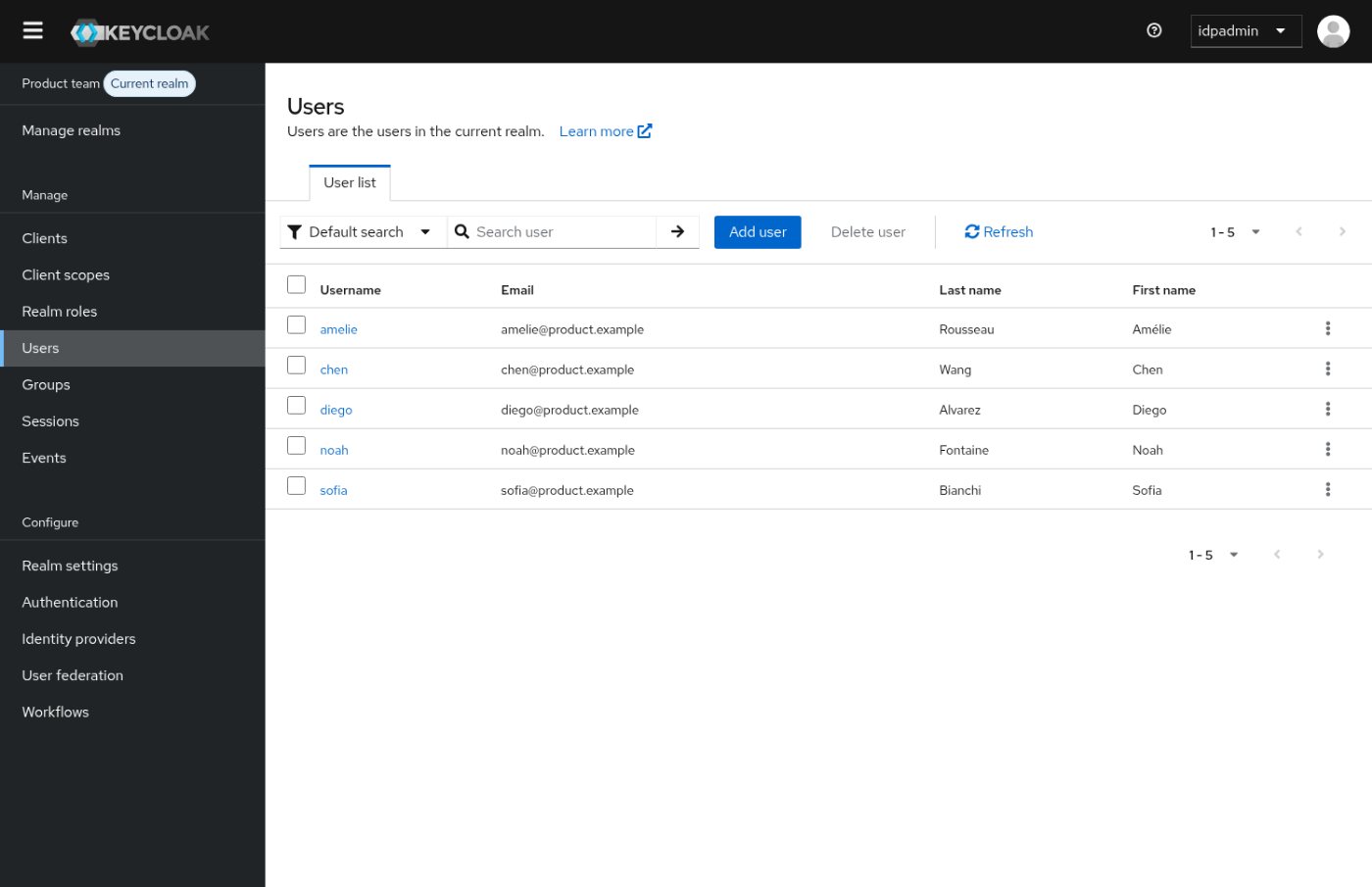
Keycloak is deployed as the team’s single sign-on. People sign in once, against a realm that belongs to this project, and the same identity carries across the tools. Adding a developer, or setting them as front-end or back-end, is managing a profile in one place rather than an account in each service.
The work
Then the building starts in earnest
The work gets busy. Commits land through the day, and the runner is compiling almost constantly. This is where a platform is either quiet or in the way.
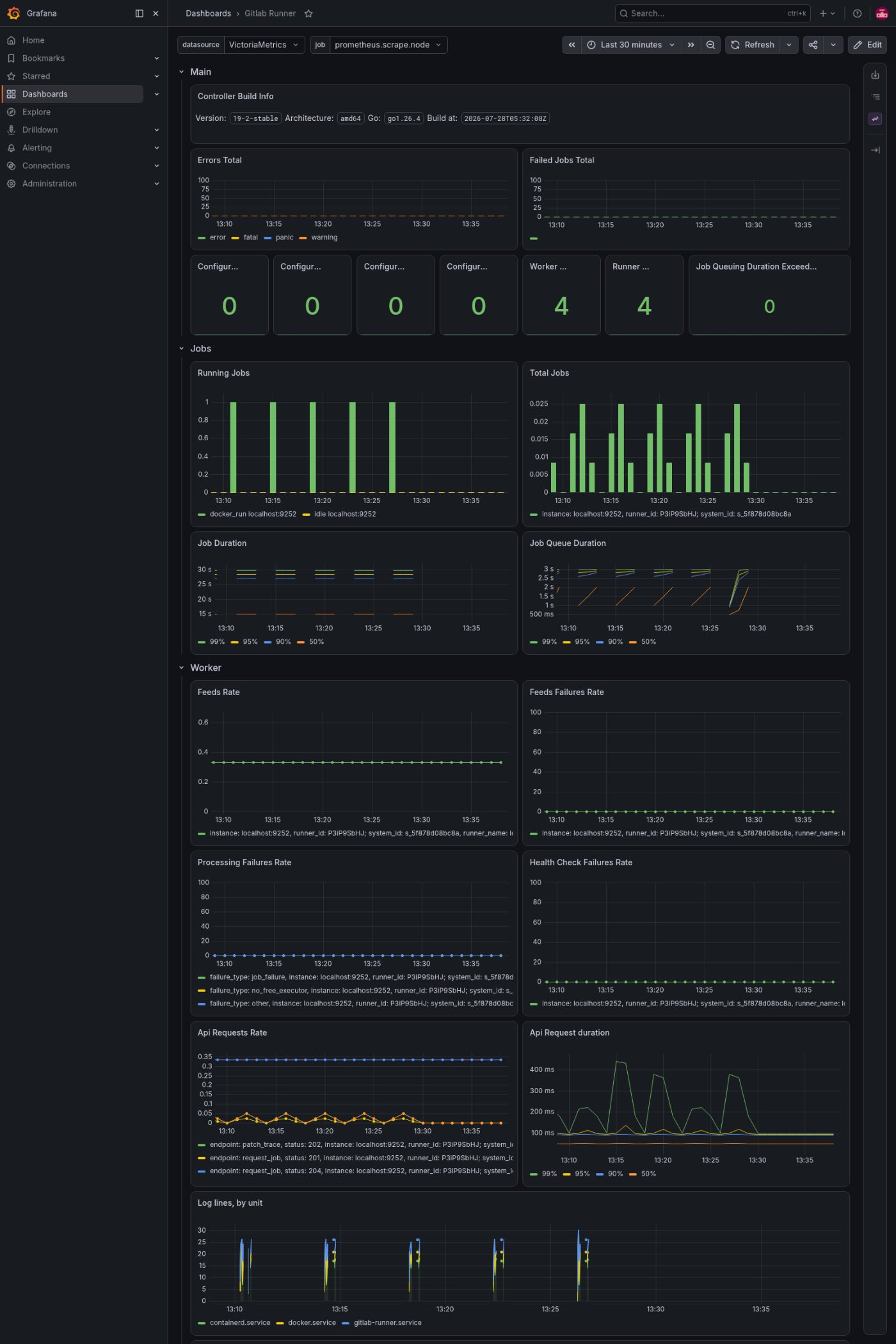
The runner’s own board shows the jobs going through, how long they take, and its logs. When the team is at full pace, we can see the pace.
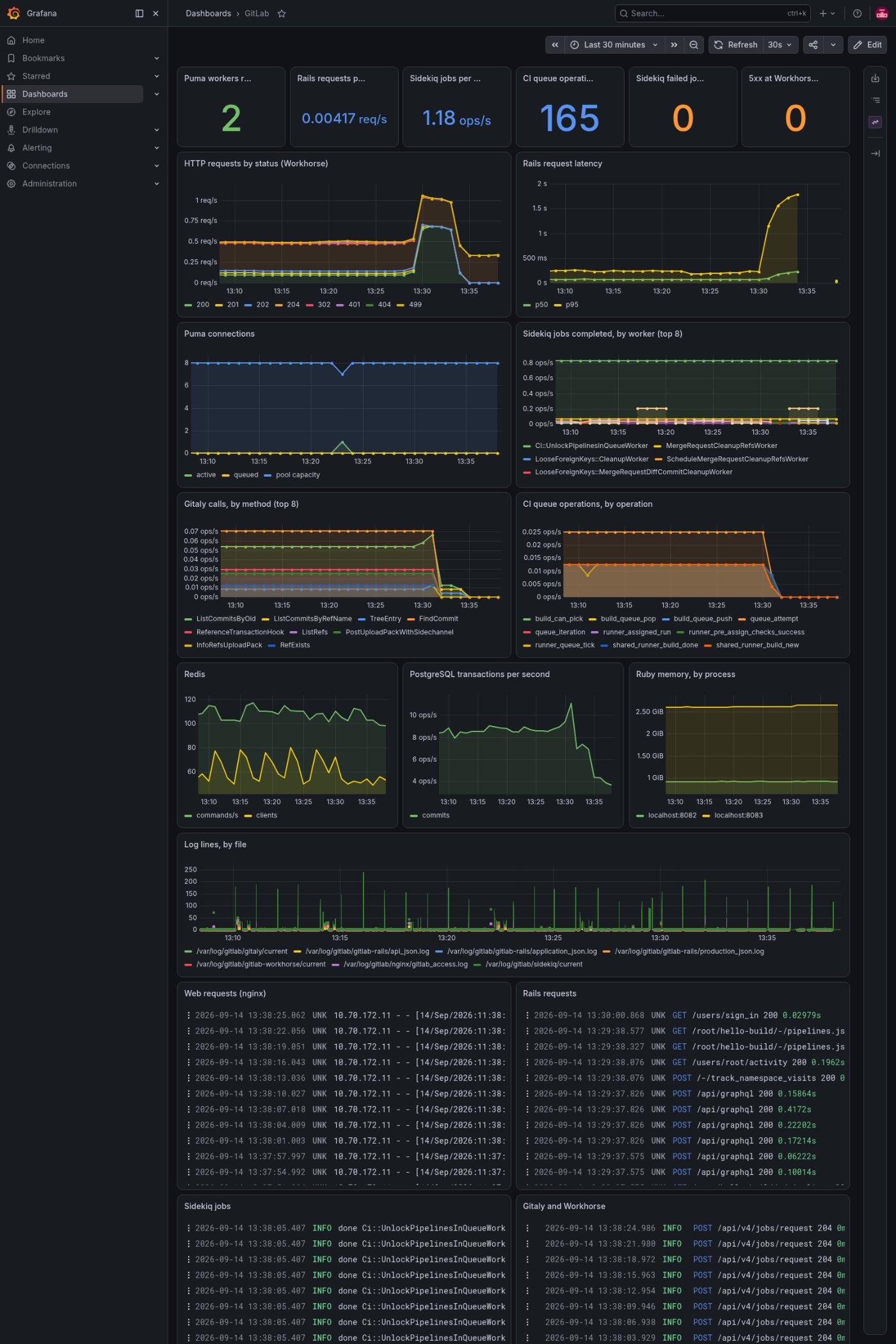
GitLab keeps its own board beside the runner’s: the CI queue, and the PostgreSQL, Redis and Sidekiq behind it. When a build slows, we can tell whether it is the runner or the server, without guessing.
What breaks
Every error, without leaving one screen
Things go wrong in normal work: a bad request from the front-end, a service that goes quiet, a runner that stalls. We would rather find them than be told about them.
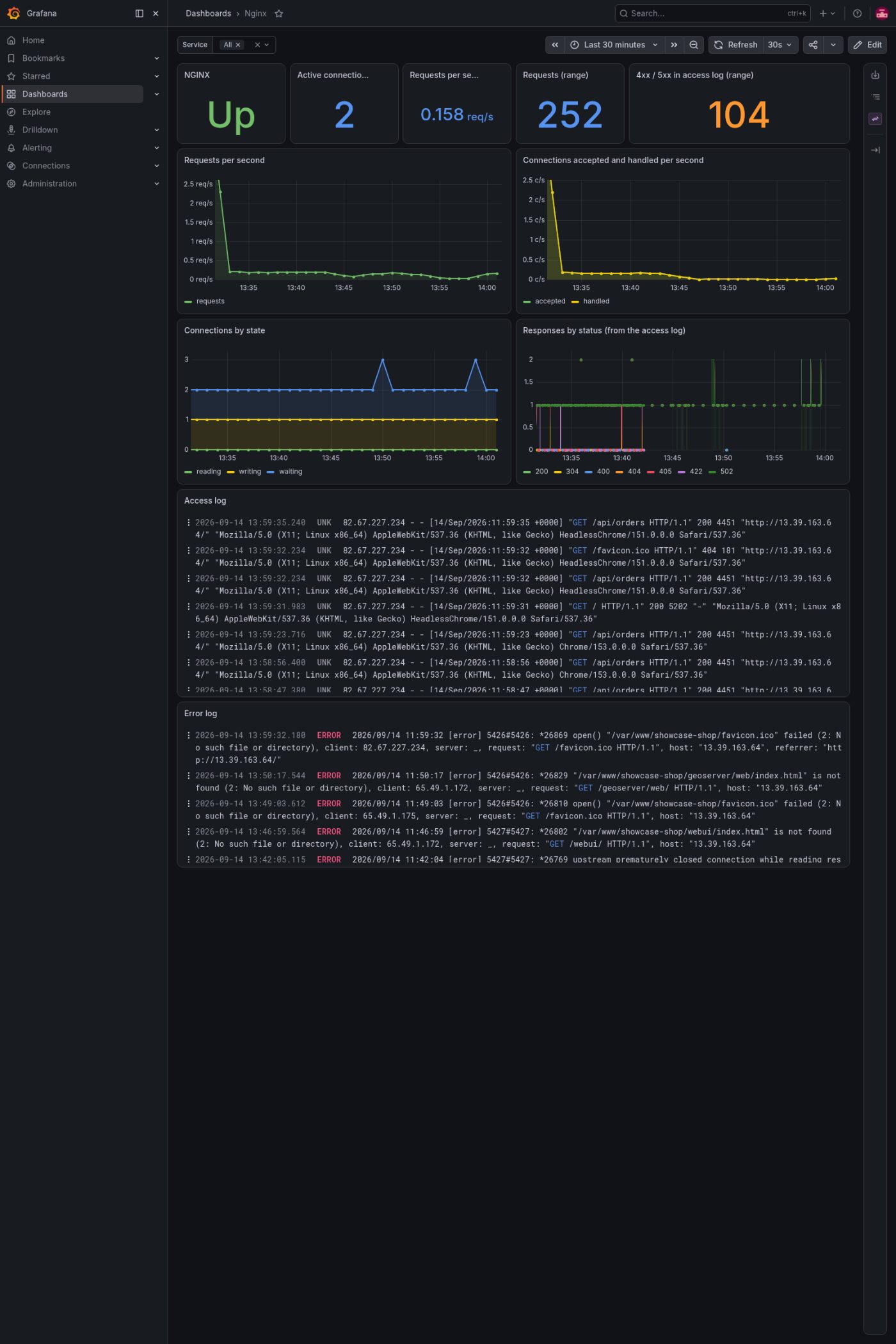
Each component reports to the same Grafana. The web board shows real 4xx and 5xx responses beside the request rate, with the access and error logs underneath. A problem shows up as a line on a chart and a line in a log, in the same place.
The view
How the work is moving, and shared
Our lead wants more than “it is up.” They want a sense of how the work is progressing, to share with the people the team answers to.
The same Grafana gives that view from the build and deployment activity. And for the work itself — what is being done, hour by hour — we can put an activity service in front of it, a plain page showing the current state, the log as it happens, and the load over the day.
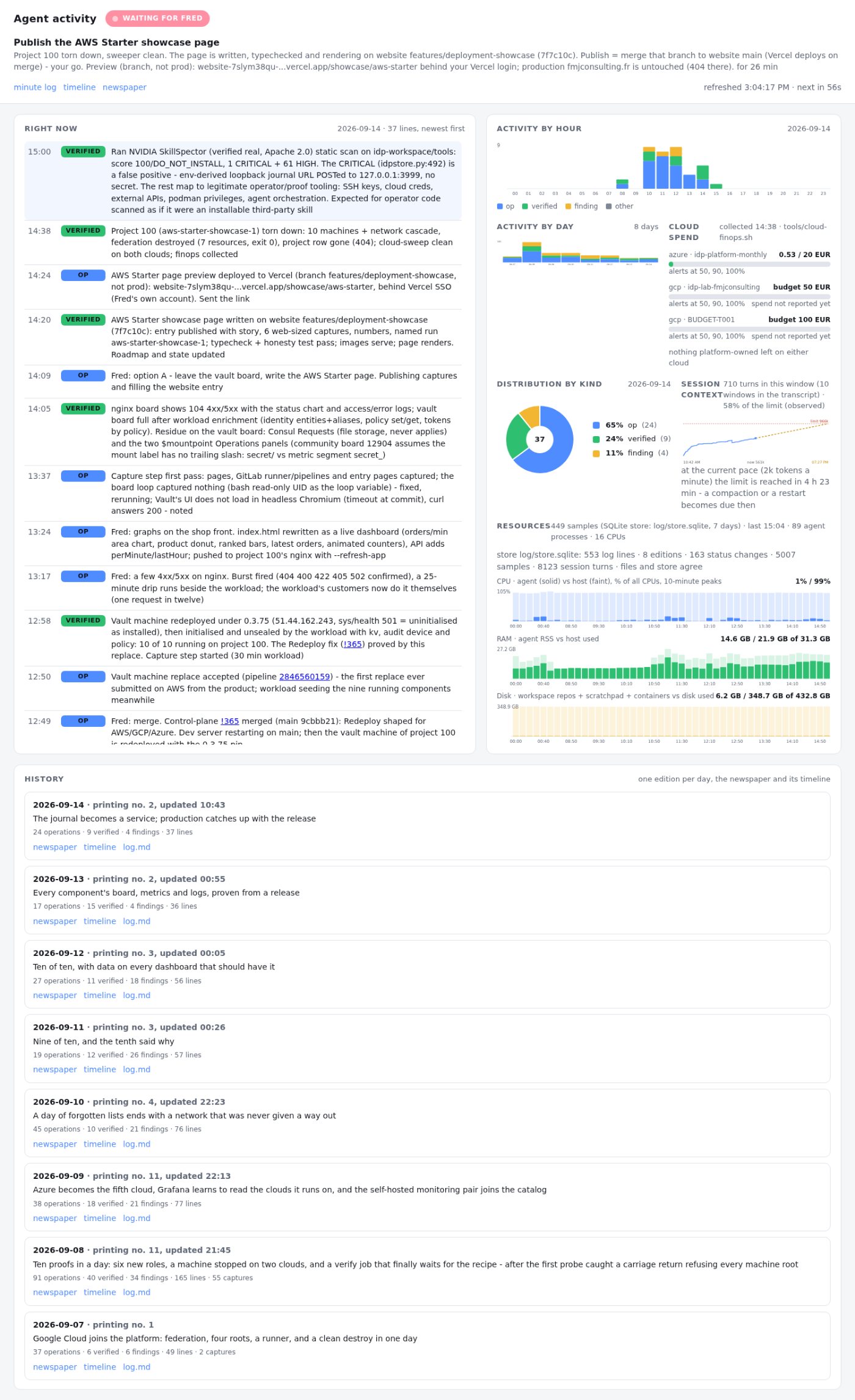
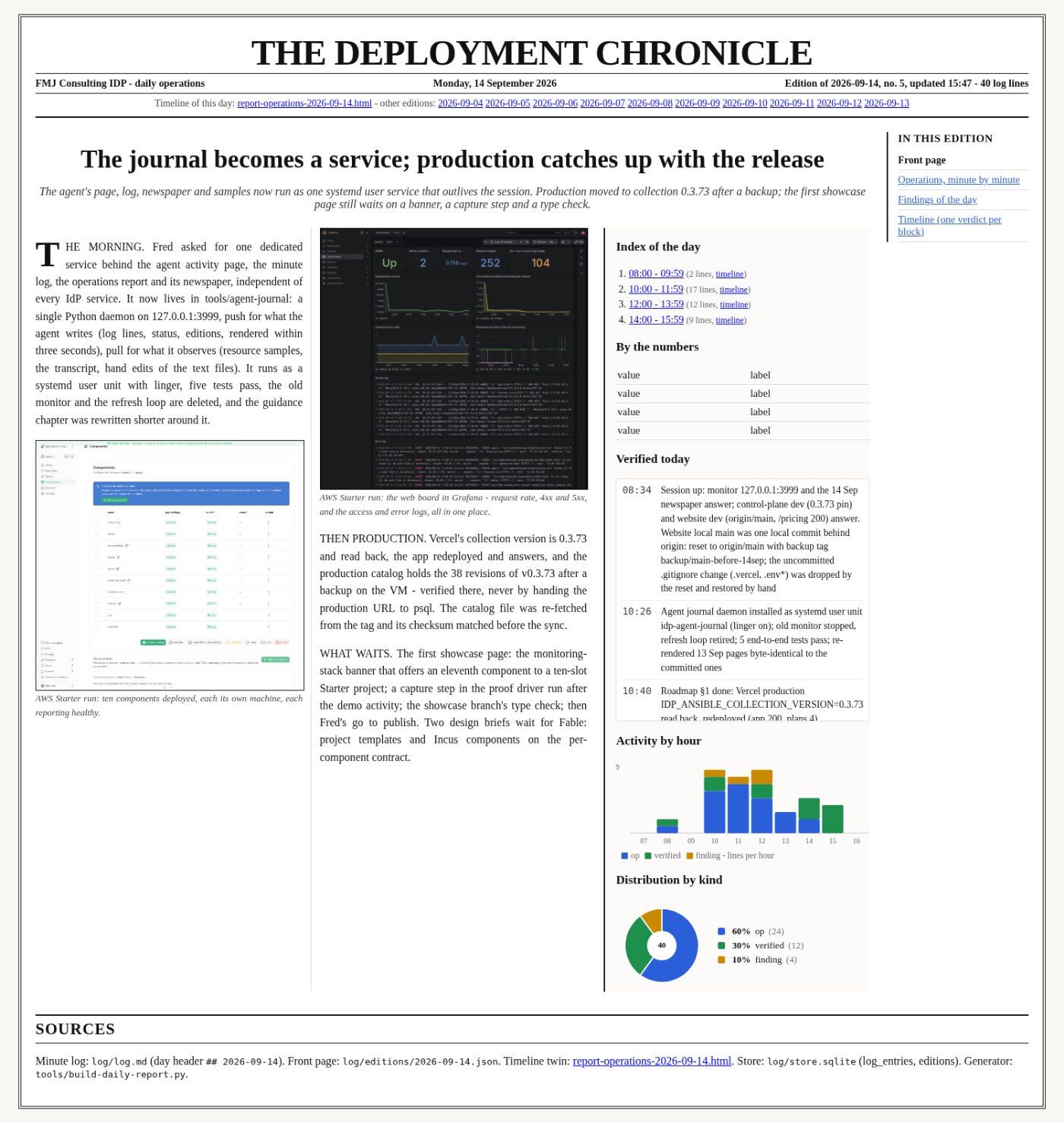
The newspaper is the shareable form: one page a day — a headline, the numbers, and pictures of what succeeded — that our lead can hand to the people the team answers to, without giving anyone a login.
What the day added up to
- Components
- 10, each its own machine
- Built and destroyed
- One session, nothing left running
- Pipelines
- 9 green builds of GNU hello from Nexus
- Observability
- Every component's board, metrics and logs
- Secrets we hold
- None — federated role, short-lived tokens